|
Languages |

|

|

|
||
|
Languages |
|
|

|

|
Languages
|
Languages |
|
|
|
||
|
Languages |
|
|
|
|
The 'Languages' question type is used to create a question that allows the user to selct the language they would like to see the survey in from the languages that you have included by using the 'Language Editor'.
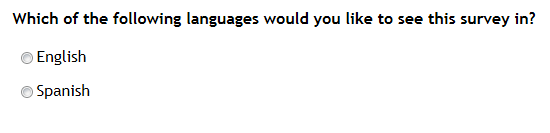
To create a question like the above example:
1. First use the 'Language Editor' to add the languages you wish to make available. (see more here)
2. Then create a question in the usual fashion and select the 'Language' question type from the pop up.
3. Format the question in the usual fashion by adding the question text and any instruction text that you wish using the rich text editor.
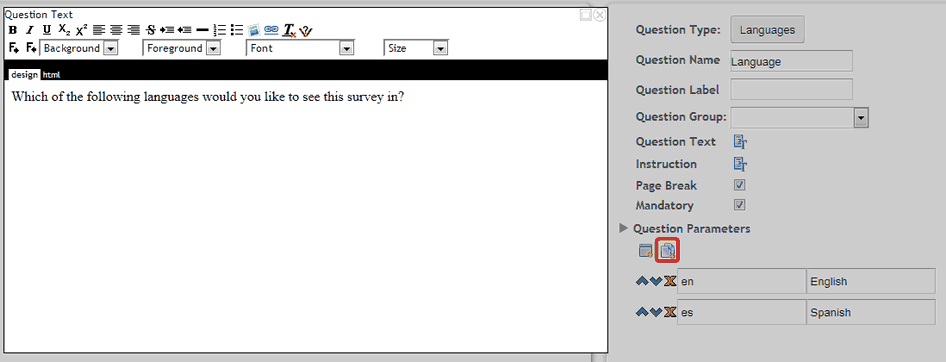
4. Pressing the 'Add answers' button circled below will automatically add the available languages that you have created using the 'Language Editor'
This image shows the criteria required to format and add this question type.
Once the respondent has selected the language they prefer the rest of the survey is conducted in that language - including the default or defined validation text.